【Mechanical Design】🛠️ 02. What Is FreeCAD? — A CAD Tool for Describing Design as Code
topics: [“cad”, “freecad”, “mechanical design”, “python”, “design philosophy”]
🧩 What Is FreeCAD?
— A CAD Tool for Describing Design as Code
Going one step beyond GUI-based CAD,
there is an approach in which design is written and reused as code.
If you want to actually try this way of thinking,
the next question becomes:
Which CAD tool should you use?
In this article, we introduce FreeCAD
as one concrete answer to that question.
🎯 Why FreeCAD?
FreeCAD is not chosen simply because it is “free.”
The essential reasons are the following:
- Python is integrated as a first-class language
- GUI operations can be recorded and reproduced as Python code
- Parametric design is assumed from the beginning
- The internal structure is relatively open and traceable
In other words, FreeCAD is:
Not a CAD for drawing shapes,
but a CAD for describing the rules that generate shapes
🔁 The Relationship Between GUI Operations and Code
In FreeCAD, many GUI operations can be replayed as
Python macros.
This is a critical feature for code-based design.
- GUI operations: shapes are created, but reasoning is hard to preserve
- Python code: design conditions and intent remain explicit
You can naturally follow the workflow:
- Create geometry via GUI
- Convert it into code
- Reuse and generalize it as design logic
🧪 Example: Geometry Generated Purely from Python Code
Below is an example of a model generated in FreeCAD
entirely from Python code.
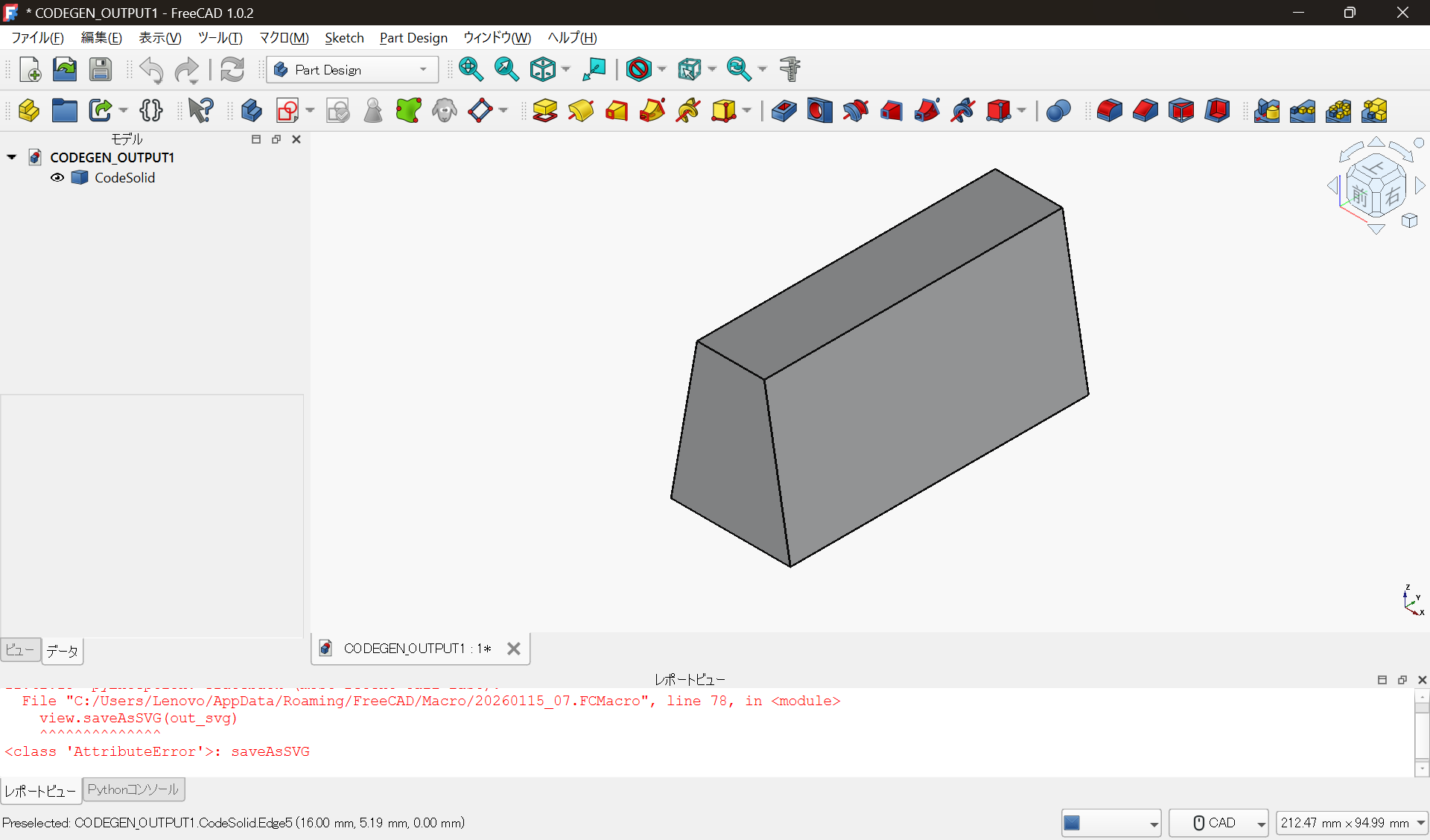
This model has the following characteristics:
- It is not the result of manual GUI drawing
- It is the execution result of parameters and design rules
- Changing numerical values produces different shapes under the same rules
What matters is not what shape it is,
but that the reason for the shape is preserved in code.
🏭 Relationship with Commercial CAD
FreeCAD does not reject commercial CAD tools.
In practice, the following division of roles works well:
- Design exploration, shape generation, trial and error: FreeCAD + Python
- Production drawings, tolerances, final deliverables: commercial CAD
FreeCAD is not a replacement,
but a tool that changes the upstream part of the design process.
🔧 What Actually Changes
By using FreeCAD:
- Design conditions can be managed as code
- Dimension changes become “re-execution,” not manual operations
- Designs become easier to reuse and derive
This is not just a tool change,
but a shift in how design itself is held and understood.
📝 Summary
- FreeCAD is highly compatible with code-based design
- Python can naturally be used as a design language
- GUI operations and code are directly connected
- Design can be treated as a reusable asset
FreeCAD is not universal, but
it is an excellent CAD for experimenting with the idea of design as code.
📎 Notes
This article introduces FreeCAD as prerequisite knowledge
for understanding code-based mechanical design.
For licensing and concrete usage conditions,
please refer to the official documentation and website.
This article does not recommend or restrict
any specific product or license.