18.【Marp】Creating Presentation Slides (HTML / PPTX) from Markdown in VS Code
tags:
- Markdown
- Marp
- VSCode
- PowerPoint
- Presentation
What This Article Covers
Use Markdown (md) as the source and generate presentation slides directly from VS Code.
- 📝 Prepare Markdown
- 🌐 Generate HTML
- 📊 Generate PPTX (PowerPoint)
※ No discussion about management, philosophy, or workflow
※ Just “create → view”
Prerequisites
- Windows
- VS Code
- PowerShell
- Node.js (npm)
- Marp CLI (already installed)
1️⃣ Prepare Markdown (VS Code)
Create physical-first.md in VS Code.
---
marp: true
theme: default
paginate: true
size: 16:9
---
# Sample Slide

---

## Second Slide

- Markdown is the manuscript
- `---` separates slides
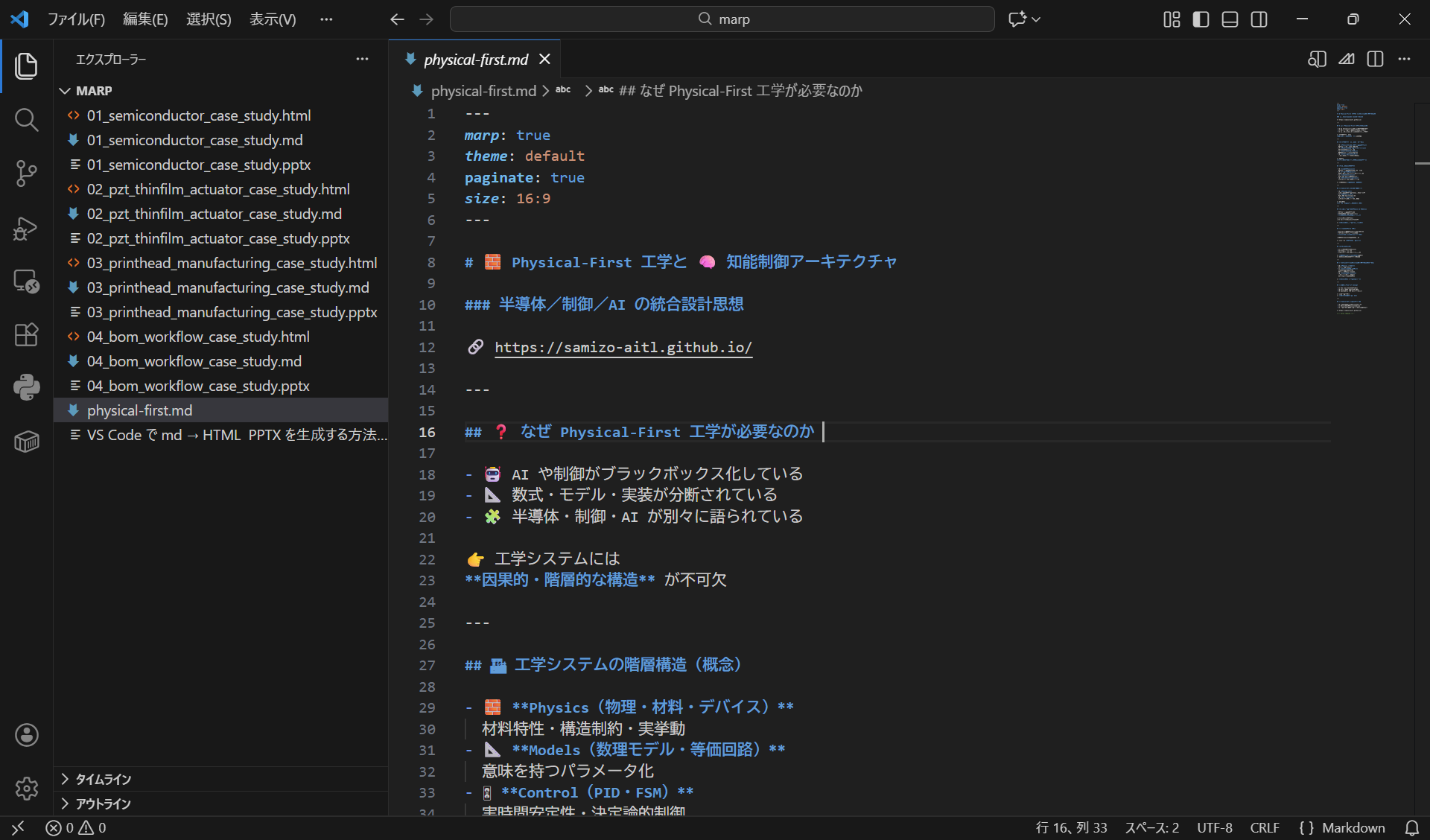
Workspace View (Preparing Markdown)
2️⃣ Generate HTML (Marp CLI)
Open PowerShell, move to the folder containing the md file, and run:
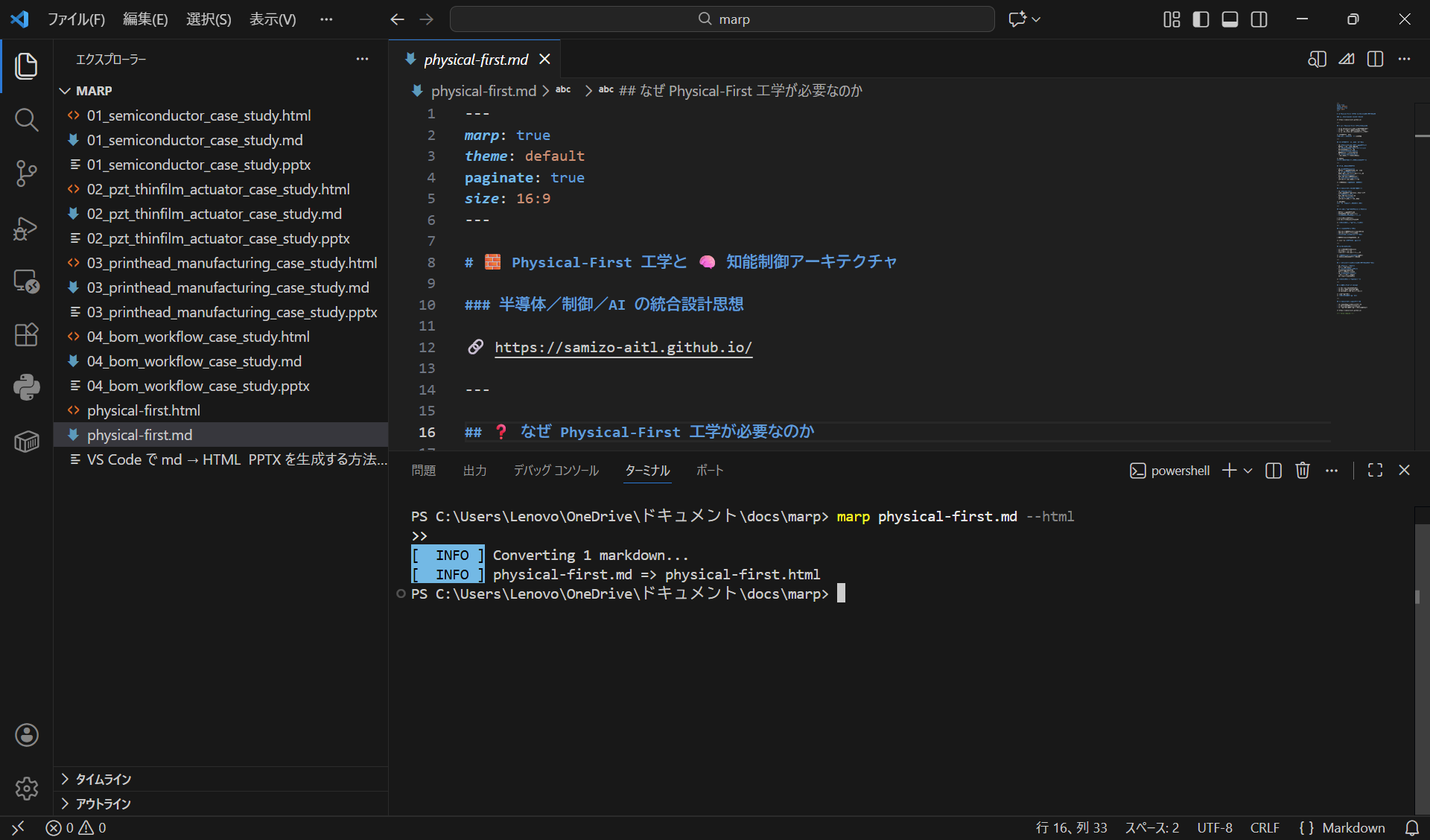
marp physical-first.md --html
Output
physical-first.html
Execution Result (HTML Generation)
How to Check
- Open
physical-first.htmlin a browser - Navigate slides using left/right keys
3️⃣ Generate PPTX (PowerPoint)
Run the following in the same folder:
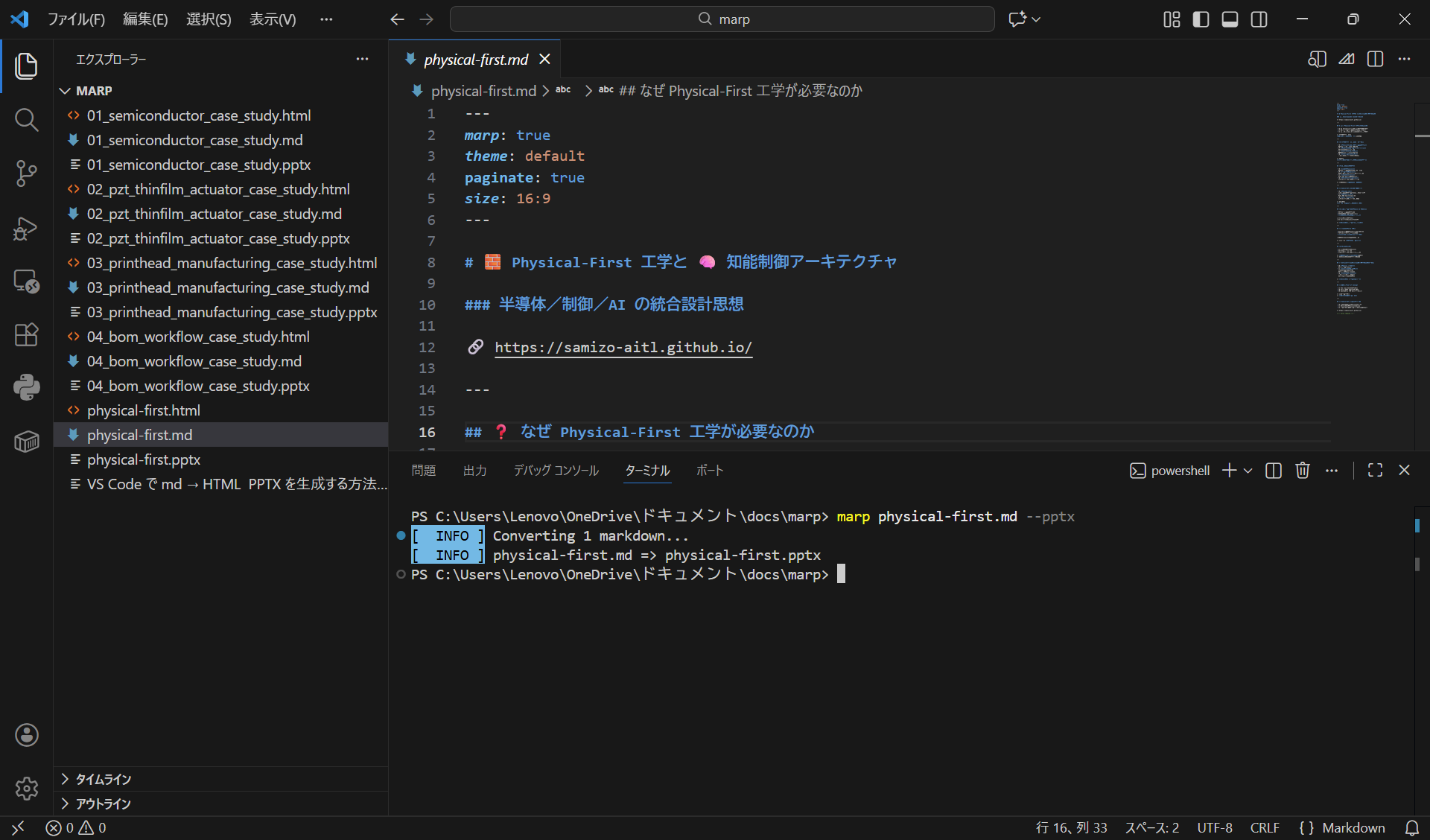
marp physical-first.md --pptx
Output
physical-first.pptx
Execution Result (PPTX Generation)
How to Check
- Open
physical-first.pptxin PowerPoint - Ready to use for presentation as-is
⚠️ Notes
--htmland--pptxcannot be specified together- Run commands separately for each output format
❌ NG
marp physical-first.md --html --pptx
⭕ OK
marp physical-first.md --html
marp physical-first.md --pptx
Example Links to “View” the Outputs
-
📝 Markdown
https://github.com/Samizo-AITL/qiita-articles/blob/main/marp/physical-first.md -
🌐 HTML (GitHub Pages)
https://samizo-aitl.github.io/qiita-articles/marp/physical-first.html -
📊 PPTX (Download)
https://github.com/Samizo-AITL/qiita-articles/raw/main/marp/physical-first.pptx
Summary
marp slide.md --html
marp slide.md --pptx
- md = Manuscript
- VS Code = Workspace
- Marp = Converter
- HTML / PPTX = Final presentation
With a single Markdown file, you can create presentation slides.