02.【FCMD】 What Is FreeCAD? — A CAD Tool for Writing Design as Code
tags: CAD, FreeCAD, Mechanical Design, Python, Design Philosophy
What Is FreeCAD?
— A CAD Tool for Describing Design in Code
In the previous article, I discussed the idea of
moving away from GUI-based CAD and describing designs as reusable code.
That naturally raises the next question:
Which CAD tool should we use to actually try this approach?
In this article, I introduce FreeCAD as one concrete answer.
Why FreeCAD?
FreeCAD is not chosen simply because it is free of charge.
The essential reasons are:
- Python is integrated as a first-class language
- GUI operations can be recorded and reproduced as Python code
- Parametric design is assumed from the start
- The internal structure is relatively open, making design intent traceable
In other words, FreeCAD is:
Not a CAD for drawing shapes,
but a CAD for describing the rules that generate shapes.
The Relationship Between GUI and Code
In FreeCAD, many GUI operations can be
replayed as Python macros.
This is a critical point.
- GUI operations = black boxes
- Python code = explicit design intent
This relationship emerges naturally.
You can create a shape using the GUI,
then translate it into code, reuse it, and generalize it.
FreeCAD makes this workflow straightforward.
Example Screenshot
Below is an example of a model generated in FreeCAD
directly from Python code.
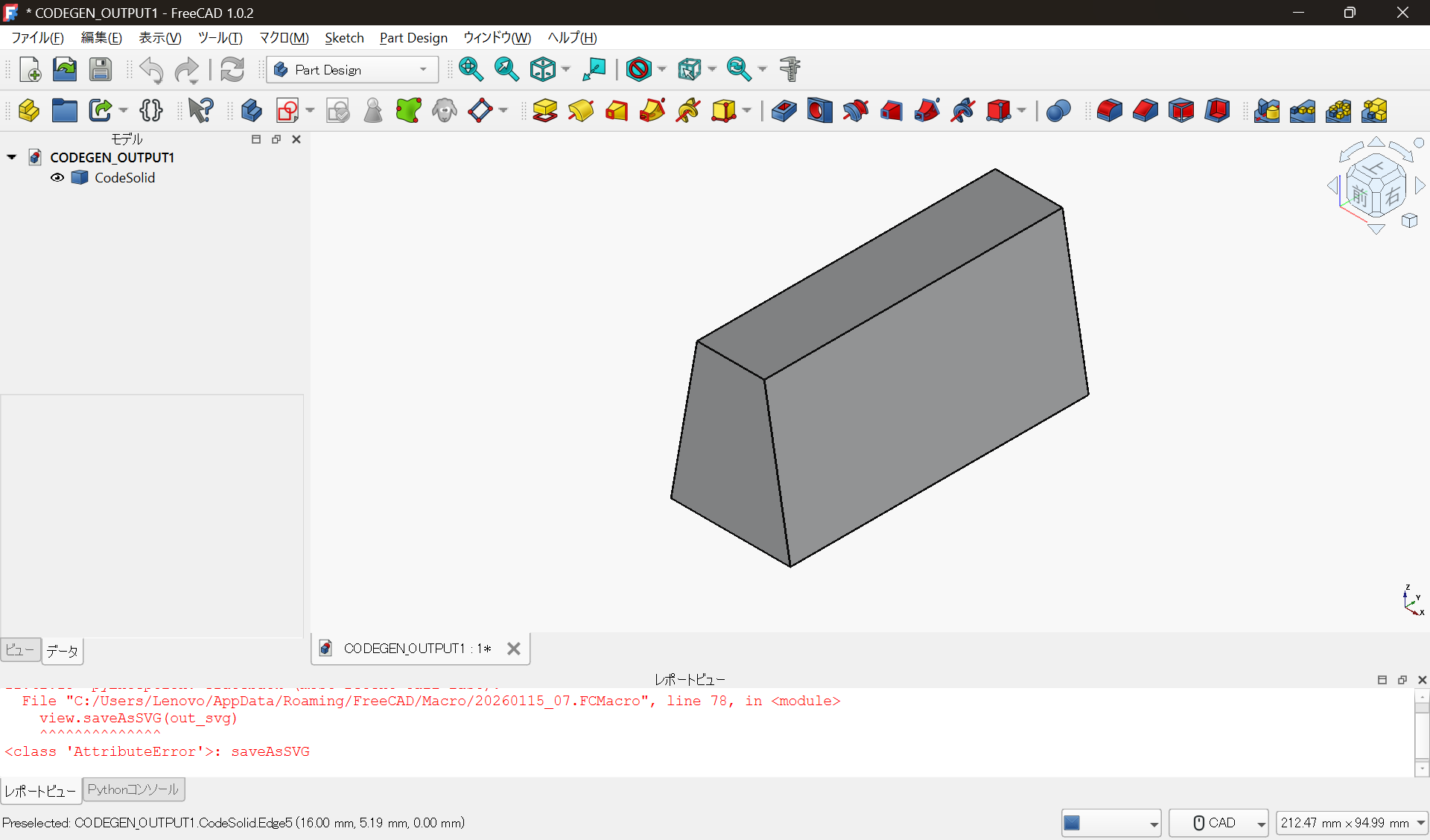
The shape itself is simple, but that is not the point.
What matters is:
- The shape is not the result of manual operations
- It is generated as the execution result of parameters and code
- Changing values produces different shapes under the same rules
That is where the real value lies.
Relationship with Commercial CAD
FreeCAD does not reject commercial CAD tools.
A realistic division of roles looks like this:
- Final deliverables are finished in commercial CAD
- Production drawings and tolerance management stay in commercial CAD
- Design exploration, shape generation, and trial-and-error are done in code
FreeCAD is not a replacement.
It is better understood as a tool that changes the upstream design process.
Next Article: Creating Shapes with Code
In the next article, I will show concrete examples of:
- Working inside FreeCAD
- Minimizing GUI usage
- Generating geometry purely with Python code
You will see:
- Dimension changes becoming “re-execution,” not redesign
- The shift from design as “operation” to design as “description”
through practical examples.
Summary
- FreeCAD works extremely well with code-based design
- Python can be used naturally as a design language
- GUI operations and code are seamlessly connected
- Designs can be treated as reusable assets
FreeCAD is not a universal solution,
but it is one of the most suitable CAD tools for experimenting with design-as-code thinking.
Notes
This article introduces FreeCAD as prerequisite knowledge
for understanding the flow of code-based mechanical design.
For licensing details and concrete usage conditions,
please refer to the official documentation and project website.
This article does not restrict the use of any specific product or license.